Annuncia
Nightly is built from the latest code every night it changes, and may break.
Installing
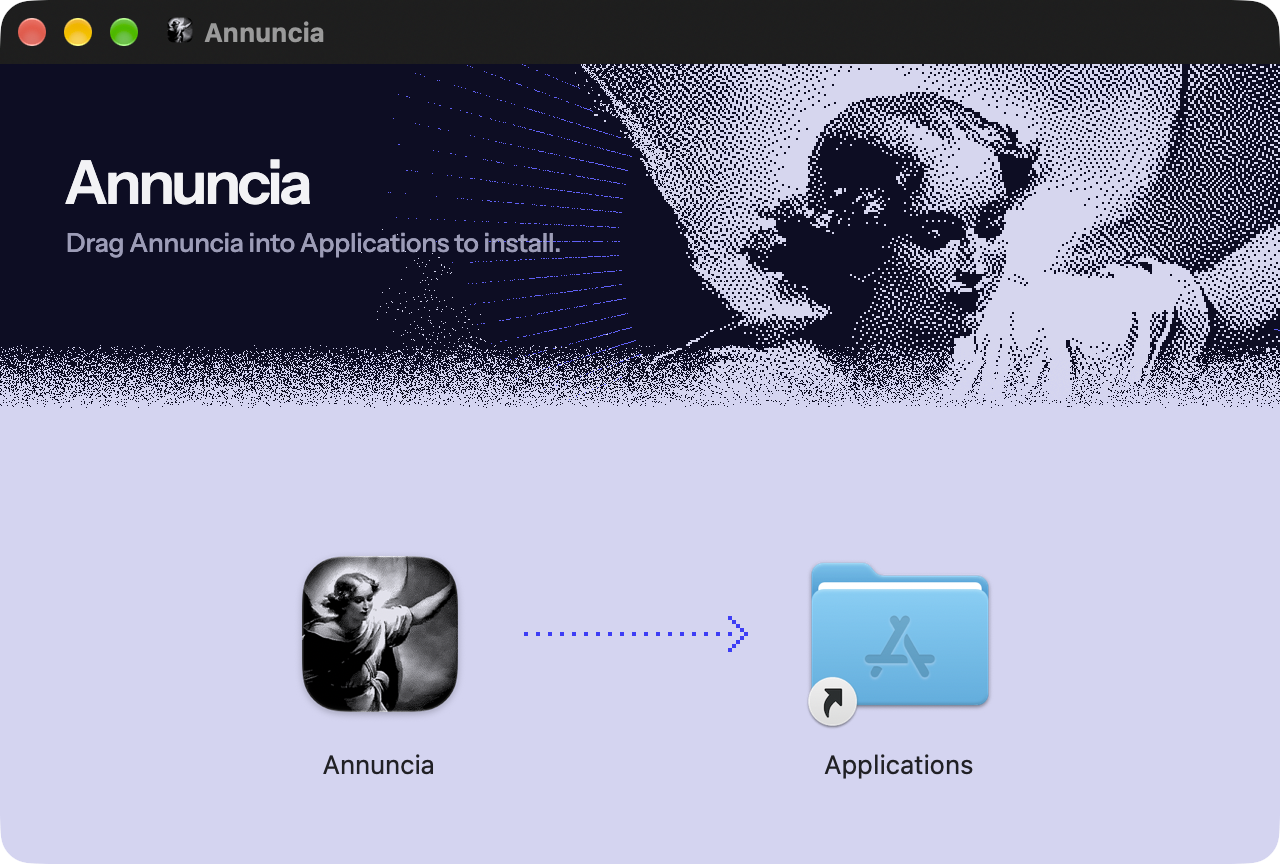
Open the disk image
Double-click Annuncia.dmg in your Downloads folder.
Drag Annuncia into Applications
Drop the icon on the Applications folder beside it, then eject the disk image. Running Annuncia from Applications lets it update itself.
Open it and grant access
Annuncia lives in your menu bar, not the Dock, so the first time you open it a setup window walks you through. It asks for Screen Recording, which it can’t record without (macOS may ask you to reopen Annuncia once it’s on), then for your microphone and camera if you want them. It can also download a speech model for transcripts. When you’re done, it opens the recorder panel under the menu bar icon.
Updates
Annuncia checks for a new version once a day and installs it the next time you quit. You can check by hand from the menu bar icon, or turn this off in Settings.
Nightly builds
Built from the latest code every night it changes. They update themselves to the next nightly, and may break. Download the nightly above, or switch an installed copy to it in Settings → General. Switching back to Stable keeps your nightly until a release passes it.
Build it yourself
Annuncia is open source under the MIT License. To build it you need macOS 15 or later, a recent stable Rust, the Xcode Command Line Tools (xcode-select --install) and CMake (brew install cmake).
bundle.sh builds the app and signs it with your own Apple Development or Developer ID certificate if you have one, so macOS remembers its permissions between builds. Without one it signs ad hoc, and macOS asks again after every rebuild. The README covers the rest.
git clone https://github.com/thetylerreiff/annuncia.git
cd annuncia
./scripts/bundle.sh
open target/release/Annuncia.app